Transfer Entry
For inter-warehouse transfers, to track the goods in transit, you can tick Add to Transit and change the target warehouse to Goods In Transit.
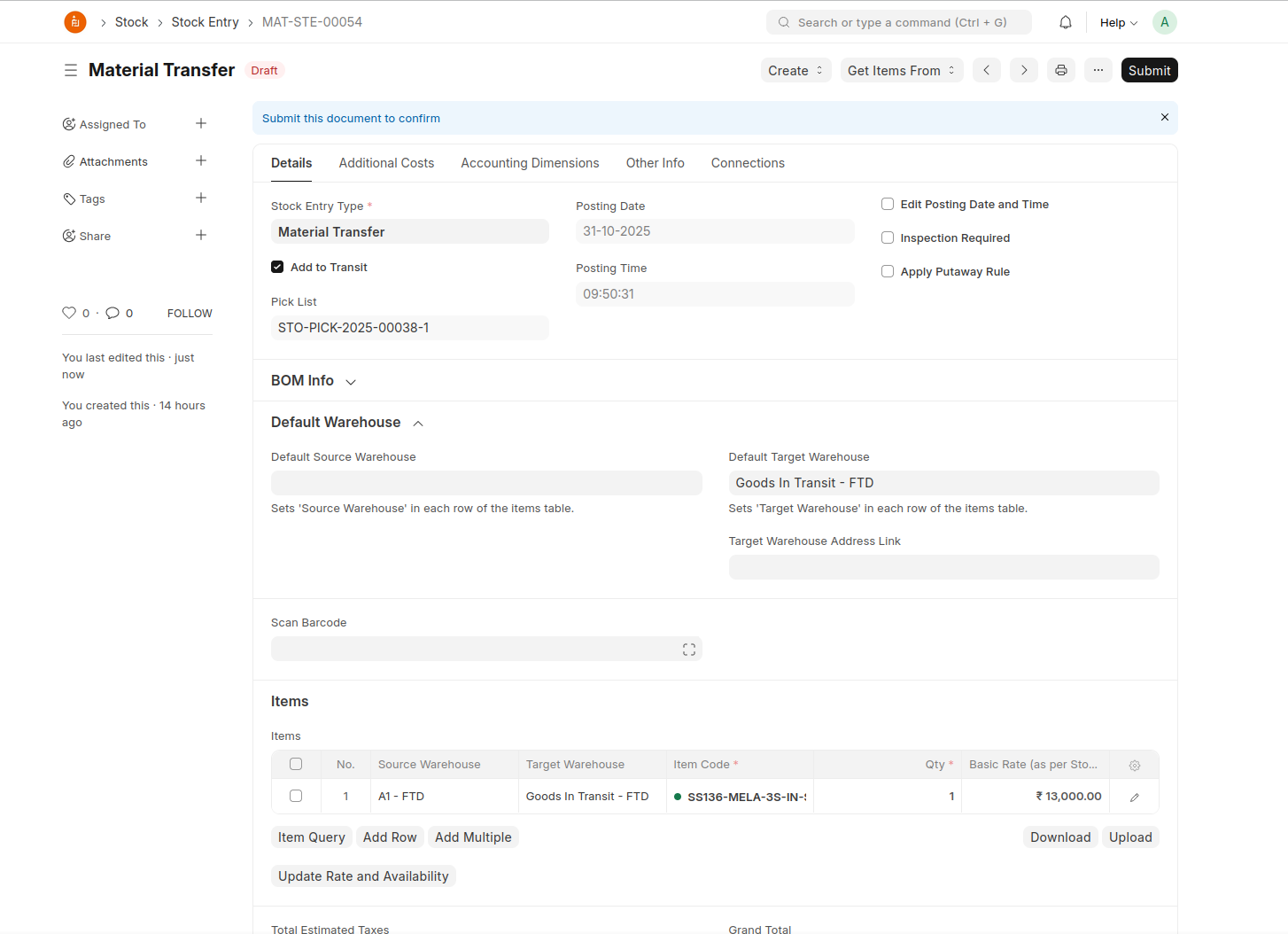
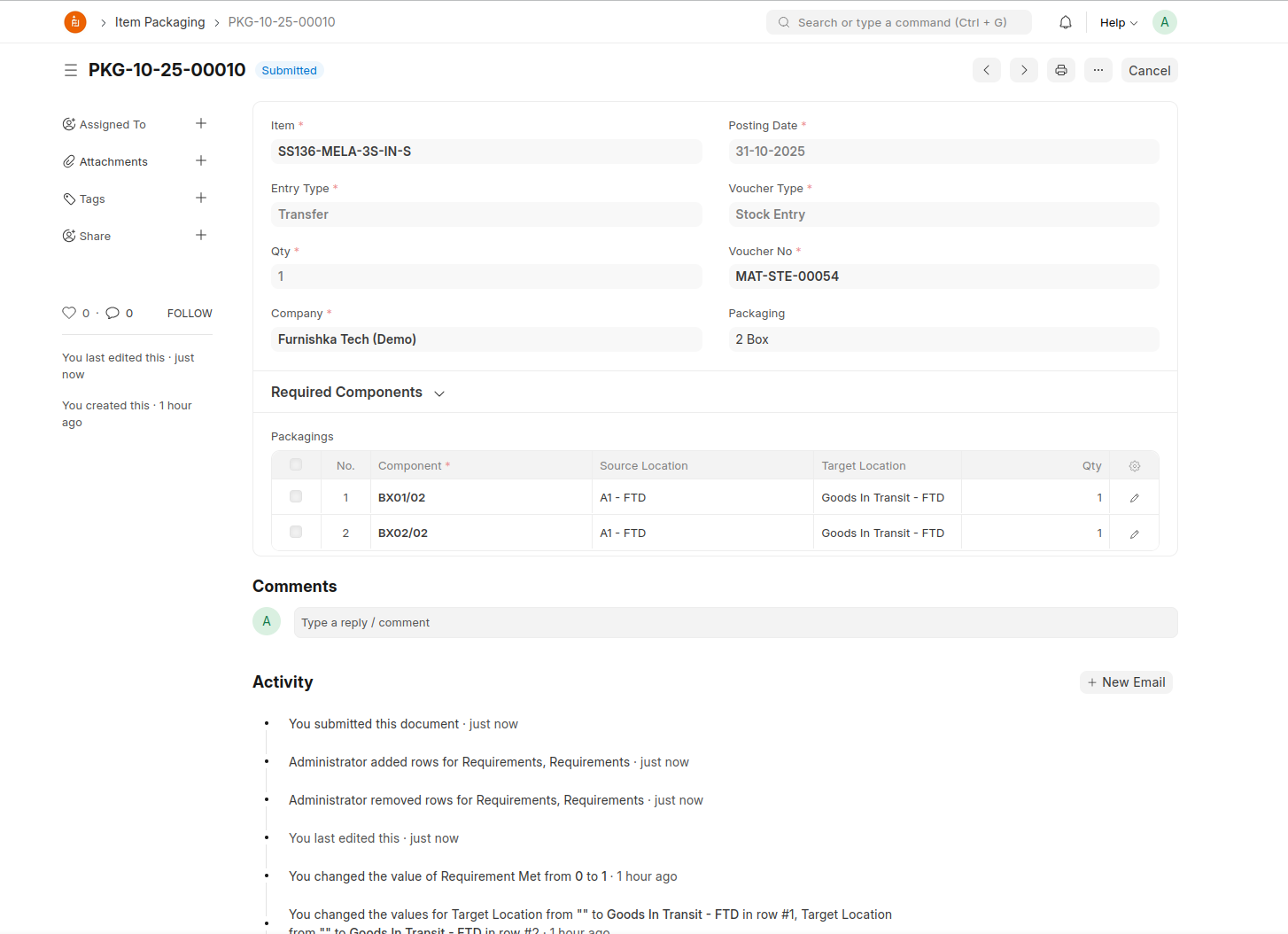
Then click on Create > Packaging and map the warehouse with Goods In Transit as the target location
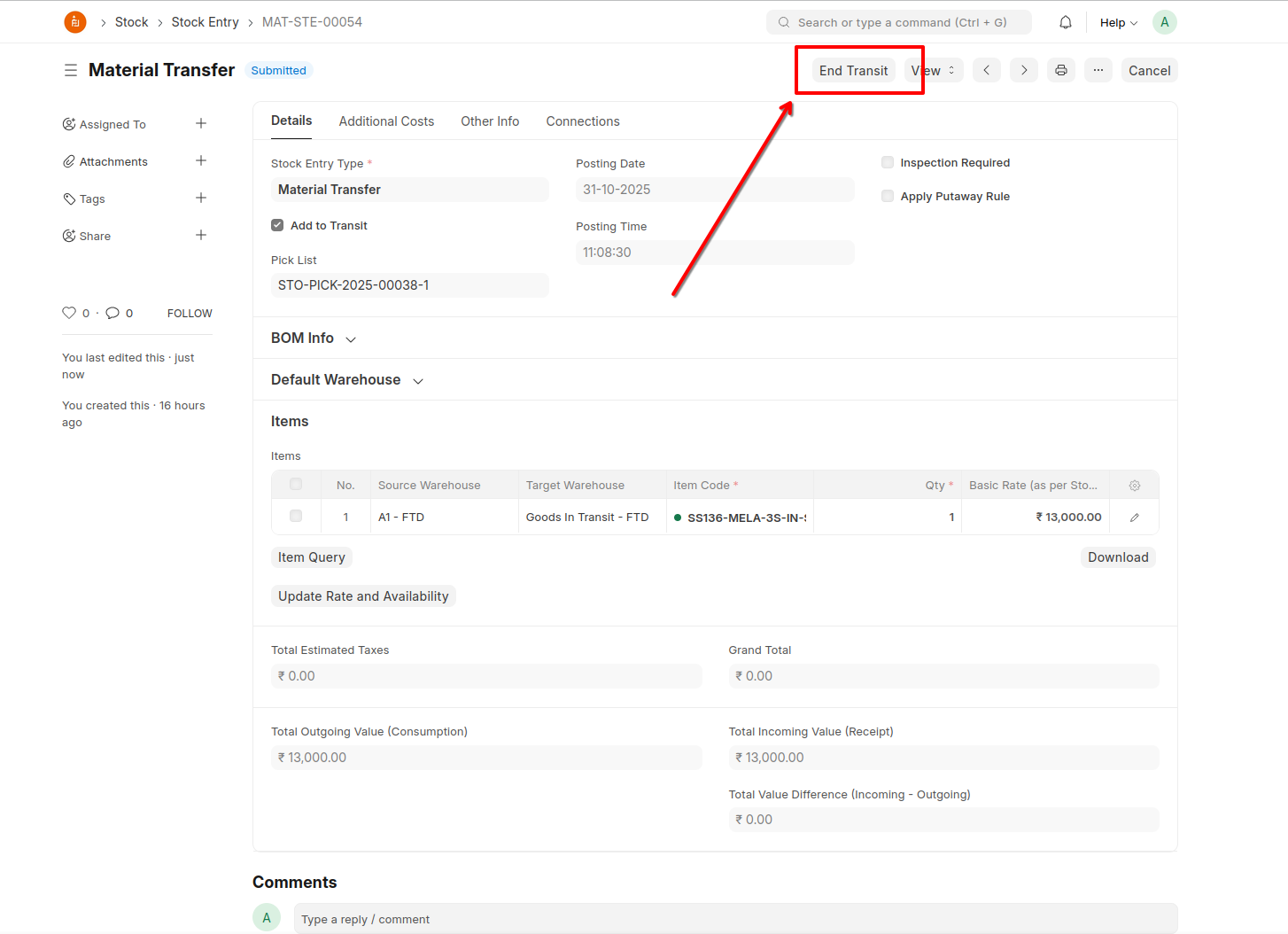
End the transit once goods reach the destination
System will auto-fill and create a stock entry
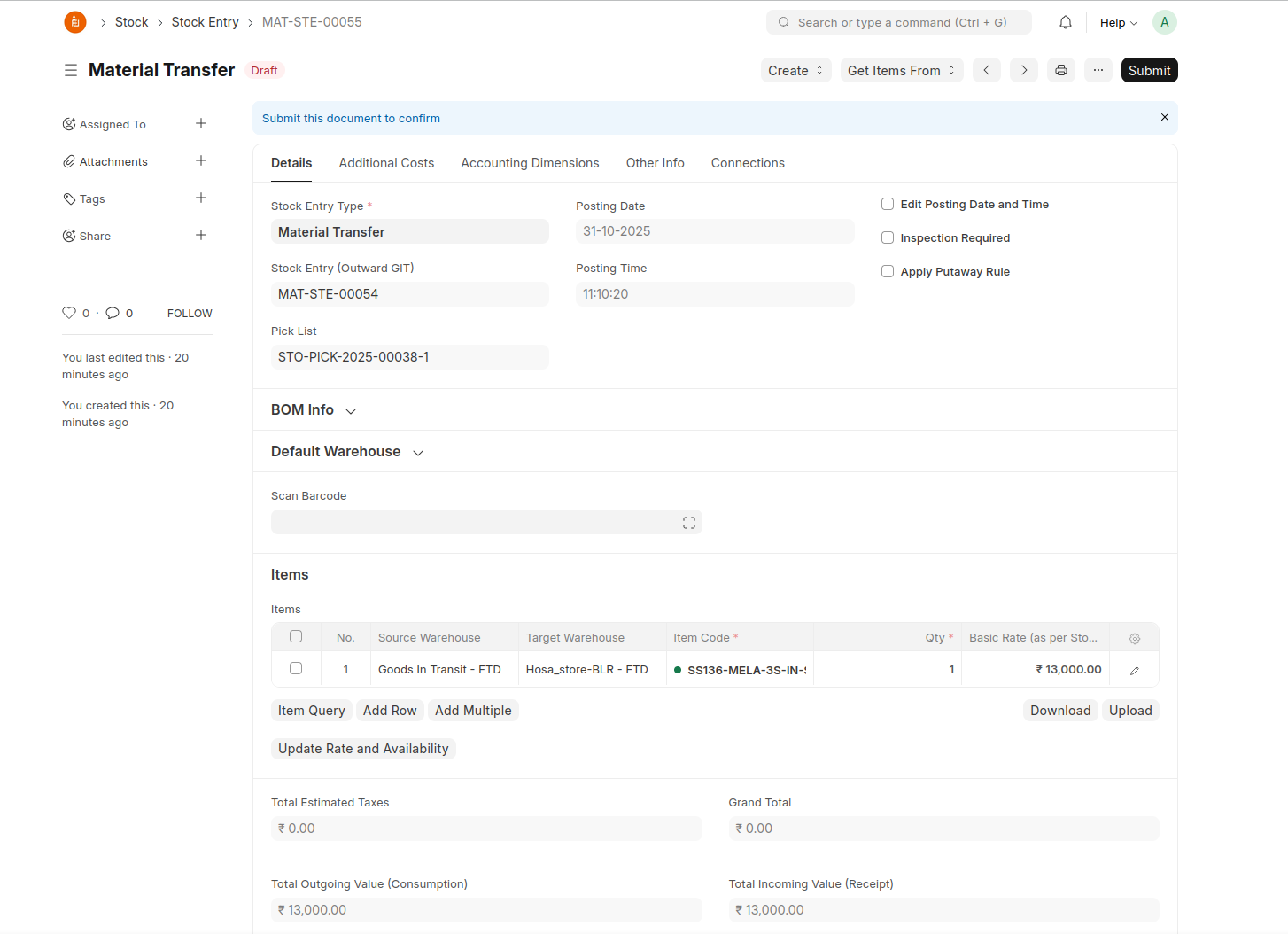
Create > Packaging, and set the target location at the recieved warehouse
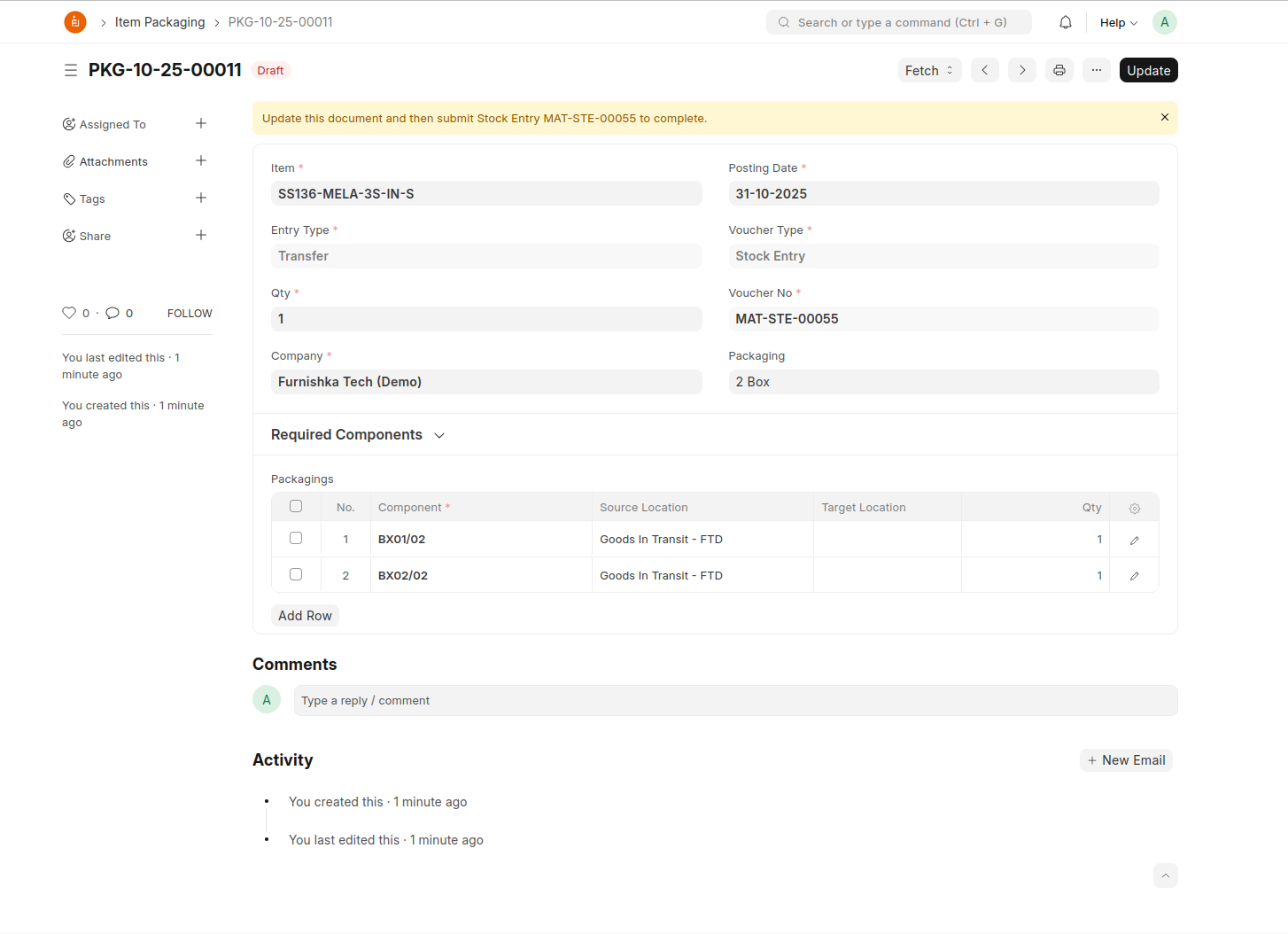
Update the same and submit the stock entry